
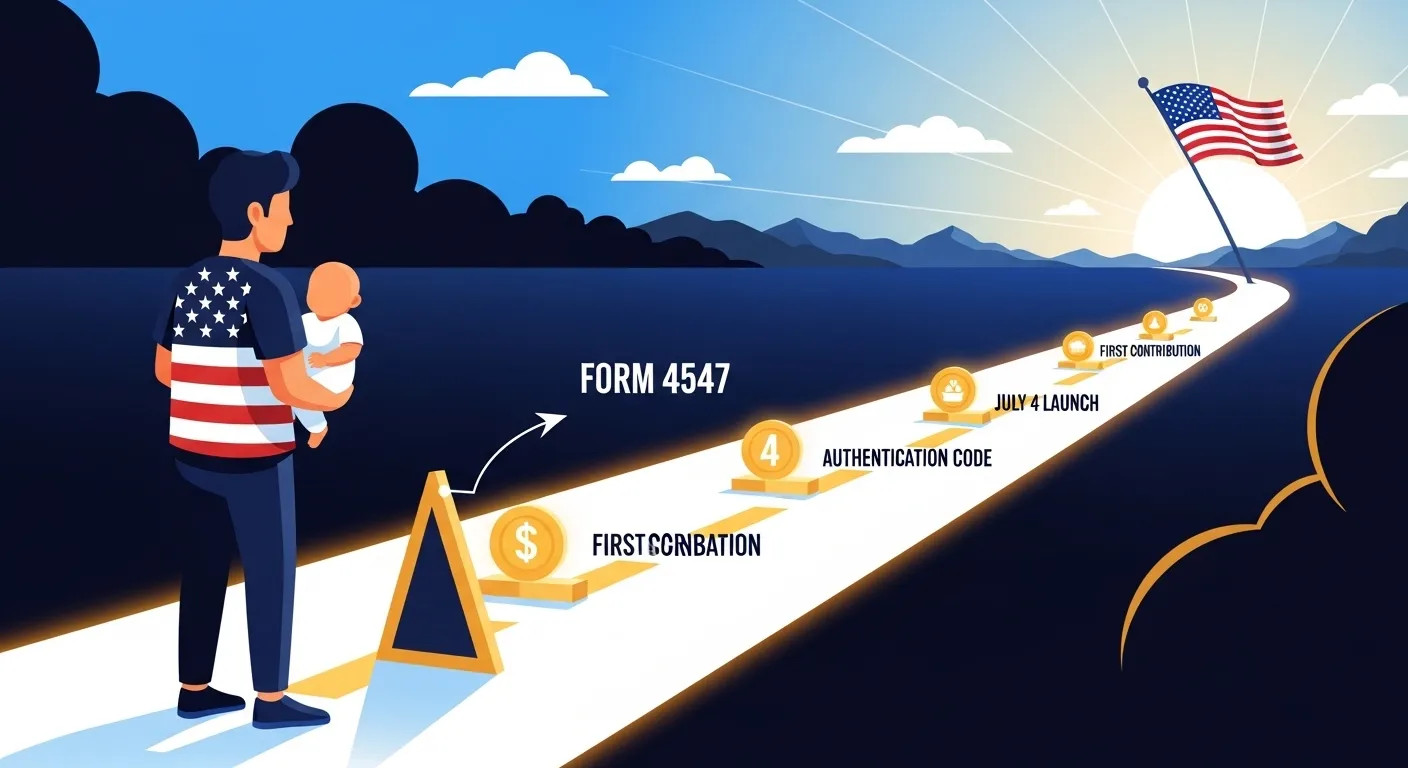

If you’ve opened your tax software lately and spotted a form you didn’t recognize, you’re not alone. Parents across the country are asking the same question right now: What exactly is Form 4547, and how do I make sure my child actually gets that $1,000?
Here’s the short answer — this one form is the only thing standing between your child and a federally funded investment account that can grow for decades. The process is more straightforward than it looks, but there are a few critical details buried in the IRS’s December 2025 revision and the February 2026 Treasury updates that most people aren’t talking about yet.
This guide walks you through every step, whether you’re filing your 2025 taxes right now or planning to use the TrumpAccounts.gov portal when it launches this summer.
What Is a 530A Account — And Why Is It on Your Tax Return?
“Trump Account” is what most people call it. The IRS calls it a 530A account — a new tax-advantaged investment account built specifically for American children. Think of it like a Roth IRA, except the federal government puts in the first $1,000 for qualifying children born in 2025 or later.
The account grows tax-deferred until your child reaches adulthood, and contributions can continue for years. The goal is to give every American kid a real financial starting point instead of starting from zero.
What makes 2026 different is that the IRS is using the tax filing process to simultaneously help you create a new account — not just report income. That’s where Form 4547 comes in, and why understanding it correctly matters so much.
Your 530A Account: From Tax Form to Active Account
Before diving into the steps, here’s the full picture of how the process flows from filing season through the July launch:
STEP 1 — NOW (Tax Season)
┌─────────────────────────────────────────┐
│  File Form 4547 with your 2025 return   │
│  ✓ Part I: Name the Responsible Party   │
│  ✓ Part II: Child's SSN (match the card)│
│  ✓ Part III: Check Line 7 for $1,000    │
└─────────────────┬───────────────────────┘
                  │
                  ▼
STEP 2 — MAY/JUNE 2026
┌─────────────────────────────────────────┐
│  IRS mails/emails Authentication Code  │
│  → Watch your mail. Don't discard it.  │
└─────────────────┬───────────────────────┘
                  │
                  ▼
STEP 3 — JULY 4, 2026
┌─────────────────────────────────────────┐
│  TrumpAccounts.gov portal goes live     │
│  → Use your code to activate dashboard │
│  → Select a financial trustee          │
│  → Retrieve your Account ID for HR     │
└─────────────────┬───────────────────────┘
                  │
                  ▼
STEP 4 — JULY 5, 2026 (First Business Day)
┌─────────────────────────────────────────┐
│  Contributions legally begin processing │
│  → Employer payroll deductions start   │
│  → Personal contributions accepted     │
│  → $1,000 seed deposits begin          │
└─────────────────────────────────────────┘
Keep this map in mind as you read through the steps below. Everything you do during tax season is setup — the account doesn’t fully activate until you complete the portal steps in July.
Path A: Filing IRS Form 4547 With Your 2025 Taxes
What Is Form 4547?
Form 4547 is the official Trump Account Election form. When you attach it to your tax return, you’re instructing the IRS to create a 530A account for your child. It’s a short form — three parts — but each section carries real weight.
Part I: Establishing the Responsible Party
The first section names the adult who will control the account’s investment decisions until the child turns 18. Whoever files the form becomes the Responsible Party, and that designation is binding.
This matters more than most people realize. If you and your co-parent file separate returns and both attach a Form 4547 for the same child, only the first one the IRS processes is used to establish the Responsible Party. The second gets rejected with no easy path to contest it. Decide upfront who’s filing and make sure only one Form 4547 goes in per child.
Part II: Your Child’s Information — Copy the Card, Not Your Memory
Part II asks for your child’s full legal name and Social Security Number. This is where most rejections happen, and the reason is almost always the same: parents enter the name as they think it’s spelled rather than how it actually appears on the Social Security card.
The name and SSN must match the child’s Social Security card exactly — not the birth certificate, not how you fill out school forms. Pull the physical card and copy it character by character. A missing middle initial or slight spelling variation can trigger a processing rejection that pushes you outside the pilot program window entirely.
⚠️ The $1,000 Check-Box Rule — The Most Important Step on the Entire Form
On Form 4547, Line 7, you must manually select the Pilot Program Contribution Election.
This box is not pre-checked. The $1,000 federal seed is not automatic. If you leave Line 7 blank, the IRS will open the account — but it will not deposit the $1,000 seed. Your child’s first investment gets left on the table because of one unchecked box.
If you’re using tax software, look for a screen that specifically asks whether you want to “elect the pilot program seed contribution.” Don’t assume the software defaults to yes — confirm it before you file. If you’re on a paper return, find Line 7 and mark it manually.
A Critical Warning: Form 4547 Is Not Easily Amended
Most tax forms can be corrected later with a Form 1040-X amended return. Form 4547 works differently.
According to the IRS’s December 2025 revision, the election to establish an initial Trump Account — including the $1,000 seed claim — must be filed with an original return. Early 2026 Treasury guidance signals the IRS intends to be strict about this. An amended return may open the account in some cases, but the $1,000 pilot seed may not be honored after the original filing deadline passes.
The practical advice is simple: get this right the first time. Verify the SSN, confirm the name matches the Social Security card, and make sure Line 7 is checked before you hit submit.
Path B: Using the TrumpAccounts.gov Portal — July 4 Launch, July 5 Processing
The Independence Day Launch and the July 5 Processing Date
The TrumpAccounts.gov portal opens on July 4, 2026 — a symbolic Independence Day launch tied to the program’s messaging. However, there’s a technical detail in the February 2026 Treasury updates worth knowing.
July 5, 2026 is the first official business day on which financial trustees can legally process contributions and investment elections. July 4th is when the portal opens and you can activate your dashboard. July 5th is when the money actually starts moving. If you’re planning to make a contribution immediately after the launch, target July 5th to ensure it processes without a delay.
How the Authentication Code Works
If you filed Form 4547 with your taxes, watch your mail and your IRS online account inbox during May and June 2026. The IRS will send an authentication code — the key that activates your family’s digital dashboard on TrumpAccounts.gov.
Don’t discard anything that looks like official IRS correspondence during those months. That code is how you claim your account online.
Choosing a Financial Trustee — The Step Most Guides Skip
Filing Form 4547 creates the election on the IRS side. It doesn’t finalize where the money actually lives.
When your authentication code arrives in May or June 2026, you’ll be directed to choose a financial trustee from a pre-approved list. These are the institutions — firms like Vanguard, Fidelity, or Charles Schwab — that will hold and manage the funds during the account’s growth period. Your trustee selection determines the investment options available for your child’s account.
A default allocation will likely be assigned if you don’t make an active choice, but reviewing the approved trustee list before the portal opens in July is worth doing. The IRS is expected to publish that list in spring 2026.
The Portal Option for Non-Filers
If you don’t file federal taxes, you’re not locked out. Starting in Summer 2026, TrumpAccounts.gov will allow a standalone digital election — a direct application that bypasses the tax return process. This is expected to go live alongside the main portal on July 4th.
Don’t Skip Form 4547 If Your Child Was Born Before 2025
A lot of parents with older kids are deciding not to bother with Form 4547 because the $1,000 seed only applies to children born in 2025 or later. That logic is understandable — but it’s the wrong call.
The Tax-Deferred Growth Alone Is Worth It
Even without the birth seed, a 530A account allows up to $5,000 per year in tax-deferred contributions per child. If your child is 7, 10, or 15, that runway still produces meaningful growth before they reach adulthood.
The Backfill Grant Opportunity
Private foundations and corporate programs are creating grant opportunities specifically for children who missed the pilot window. A well-publicized example is a $250 grant from the Dell Foundation for children born before the 2025 cutoff.
The consistent requirement across nearly all of these programs: the child must have an existing, open Trump Account to receive the deposit. The foundations won’t create the account — they’ll only deposit into one that already exists. Open the account now, and position your child to receive grants as they’re announced.
Employer Matching Through Section 128 Benefits — And How the Math Actually Works
What Section 128 Allows
The updated tax code allows employers to offer Trump Account contributions as a pre-tax employee benefit, similar to a 401(k) match. The cap on this benefit is $2,500 per year — but there’s an important nuance that’s causing a lot of confusion.
The $2,500 employer limit is per employee, not per child.
If you have two children and open a 530A account for each of them, your employer’s total tax-free contribution across both accounts is still capped at $2,500 combined. They might split it as $1,250 per child, or allocate it however your company’s plan specifies — but the $2,500 ceiling covers all of your children together, not each one separately.
How the Per-Child Contribution Limit Works Alongside It
Here’s where it gets more favorable. The $5,000 annual contribution limit is per child, not per family.
So if your employer contributes a combined $2,500 across two accounts — say $1,250 each — you as the parent can still contribute up to $3,750 more into each child’s account from your own pocket that year, reaching the full $5,000 per-child cap for each.
To put it in plain numbers: two children, employer contributes $1,250 to each account, and you top up each one to $5,000. That’s $7,500 in total family contributions per year growing tax-deferred — with $2,500 of it coming from your employer pre-tax.
How to Connect Your Account to Payroll
Once the portal goes live in July, your dashboard will display a unique Account ID. Bring that number to your HR or benefits department and ask them to initiate a payroll deduction election for Trump Account contributions. If your employer has already added this benefit, the process will be quick. If they haven’t, ask your benefits coordinator whether it’s on their 2026 roadmap — the earlier you raise it, the more likely it gets added before open enrollment closes.
Common Mistakes That Get Form 4547 Rejected
Assuming you need a specific filing status. You don’t need to file as Head of Household. Any parent or legal guardian, regardless of filing status, can submit Form 4547.
Missing the signature on paper returns. Form 4547 requires its own signature on a paper return. A missing signature on this form specifically — even if the rest of your return is fully signed — can void the election.
Both parents filing separately. If two parents file separate returns and both include Form 4547 for the same child, only the first one processed by the IRS stands. The second is rejected. Coordinate this before either of you files.
Counting on an amendment to fix a missed seed election. As covered above, the December 2025 IRS revision strongly suggests the $1,000 pilot seed must be claimed on the original return. Don’t leave this for later.
Your 2026 Trump Account Action Plan
Here’s the full timeline condensed into action steps:
Right now — before you file your taxes: Pull your child’s Social Security card. Open your tax software and search for Form 4547. Confirm that Line 7 is checked for the pilot seed if your child qualifies. Make sure only one Form 4547 is being filed per child across your household.
May–June 2026: Watch your mail and IRS inbox for the authentication code. Don’t discard official IRS correspondence during this window.
July 4, 2026 — portal opens: Use your authentication code to activate your dashboard on TrumpAccounts.gov. Review the approved trustee list and make your selection. Retrieve your Account ID to provide to HR for employer matching.
July 5, 2026 — first processing day: Contributions begin processing. Employer payroll deductions can initiate. The $1,000 seed deposits start flowing.
Open your tax software today, search for Form 4547, and get it attached to your return before the original filing deadline. It’s the easiest $1,000 your child will ever make — but only if you check the box.
FAQ
What if my child doesn’t have a Social Security Number yet?
You’ll need to apply for the SSN before filing Form 4547. The IRS cannot create a 530A account without a valid SSN matched to the child’s record. SSN applications for newborns go through the Social Security Administration and typically take two to four weeks.
Can a grandparent or other guardian open a Trump Account for a child?
Yes. The form identifies a “Responsible Party,” not specifically a biological parent. Legal guardians can file Form 4547 as long as they have guardianship documentation and the child’s correct SSN.
What happens to the $1,000 seed if I never contribute anything else?
The federal seed stays in the account and grows according to the investment allocation you selected through your trustee — or the default allocation if you haven’t made an active choice. You’re not penalized for making no additional contributions.
Is TrumpAccounts.gov active right now?
As of early 2026, the site has information resources but the full management portal is not yet open. Full launch is July 4, 2026, with contributions processable starting July 5th per Treasury guidance. Filing Form 4547 now creates the account on the IRS side — you’ll activate and manage it through the portal once your authentication code arrives in May or June.
